





Apple Watch Ultra 4 vs Samsung Galaxy Watch Ultra 2: which rugged smartwatch suits you?

Choose Apple Watch Ultra 4 if you use an iPhone, and Samsung Galaxy Watch Ultra 2 if you use a Galaxy phone or another compatible Android handset. Your phone decides compatibility; after that, the better rugged watch is the one whose case and strap stay comfortable through workouts, commuting and sleep.
On this page
Use these links to jump to the part of the comparison that matters to you.
- The short version
- Apple Watch Ultra 4 and Samsung Galaxy Watch Ultra 2 specifications compared
- Which watch works with your phone?
- Price and value
- Apple Watch Ultra 4 vs Samsung Galaxy Watch Ultra 2: battery life
- Apple Watch Ultra 4 vs Samsung Galaxy Watch Ultra 2: display visibility
- Case size and all-day comfort
- Strap fit for training, work and sleep
- Performance and storage
- Everyday connectivity away from your phone
- Apple Watch Ultra 4 vs Samsung Galaxy Watch Ultra 2: ruggedness and diving
- Where Apple Watch Ultra 4 is better
- Where Samsung Galaxy Watch Ultra 2 is better
- Who should choose which
- Frequently asked questions
The short version
Apple Watch Ultra 4 is the straightforward rugged choice for an iPhone, while Samsung Galaxy Watch Ultra 2 is the compatible option for a Galaxy phone or another supported Android handset.
- Phone support is non-negotiable: Apple Watch Ultra 4 requires an iPhone and does not work with Android; Galaxy Watch Ultra 2 requires Android and does not work with an iPhone.
- Samsung has the brighter display: its peak brightness is rated at 5,000 nits, against 3000 nits for Apple, which matters most when you check a route or workout screen in strong sunlight.
- Apple has the longer stated outdoor workout modes: it is rated for up to 25 hours with full GPS and heart-rate readings or up to 45 hours in Max Extended Workout mode; Samsung states up to 20 hours with GPS.
- Samsung has the smaller case: its 47mm case is likely to be easier to accommodate on a smaller wrist than Apple’s 49mm case, though strap shape and adjustment remain crucial.
- Both use model-specific strap fittings: neither has a separate generic strap width in our fitment data, so choosing a strap listed for the exact watch matters.
- Samsung costs less at the time of writing: Galaxy Watch Ultra 2 is listed at £649, while Apple Watch Ultra 4 is listed at £749.
Apple Watch Ultra 4 and Samsung Galaxy Watch Ultra 2 specifications compared
The main specification differences favour Samsung for display brightness and case size, while Apple leads for extended outdoor workout tracking and iPhone integration.
| Specification | Apple Watch Ultra 4 | Samsung Galaxy Watch Ultra 2 |
|---|---|---|
| Phone compatibility | iPhone 11 or later with iOS 27 or later | Android 13.0 or higher; 1.5 GB RAM |
| Price at the time of writing | £749 | £649 |
| Battery life | Up to 50 hours of normal use | Up to 60 hours with AOD on |
| Display visibility | 3000 nits | 5,000 nits |
| Case size | 49mm | 47mm |
| Operating system | watchOS 27 | Wear OS 7 |
| Display resolution | 422 by 514 pixels | 498x498 |
| Processor | S11 chip | Qualcomm Snapdragon Wear Elite |
| Cellular network | 5G and LTE | LTE |
| Bluetooth | Bluetooth 5.3 | Bluetooth 6.0 |
| Dust resistance | IP6X | IP69K |
| Strap fitting | Proprietary or model-specific | Proprietary or model-specific |
| Storage | 64GB capacity | 64GB storage |
| Case material | Grade 5 titanium | Titanium |
| Water resistance | 100m | 10ATM |
| Dive certification | EN13319 | EN13319 |
| Always-on display | Yes | Yes |
| Wi-Fi bands | 2.4GHz and 5GHz | 2.4GHz and 5GHz |
The decisive trade is your phone ecosystem first, followed by whether the watch-and-strap combination remains comfortable enough to wear during training, commuting and sleep.
Which watch works with your phone?
Apple Watch Ultra 4 works with a compatible iPhone, while Samsung Galaxy Watch Ultra 2 works with a compatible Galaxy phone or another Android handset.
Apple requires an iPhone 11 or later running iOS 27 or later. It does not pair with Android, so its battery, display and straps cannot compensate if your phone sits outside Apple’s ecosystem.
Samsung requires Android 13.0 or higher and at least 1.5 GB RAM. It does not work with an iPhone. That makes it the practical route if you already use Samsung or another supported Android manufacturer and do not plan to change phones.
The operating systems reinforce that split. Apple Watch Ultra 4 runs watchOS 27, while Galaxy Watch Ultra 2 runs Wear OS 7. Each is designed around its corresponding phone platform rather than as a genuinely cross-platform rugged watch.
If you are willing to replace your phone as well as your watch, the decision opens up. Otherwise, compatibility settles it immediately - and saves you from comparing features you cannot use.
Price and value
Samsung Galaxy Watch Ultra 2 is the less expensive watch at the time of writing, but value still depends on avoiding an unnecessary phone change.
Galaxy Watch Ultra 2 is listed at £649, while Apple Watch Ultra 4 is listed at £749. That gives Samsung the clearer price advantage when both watches are compatible with the phones you are prepared to own.
The calculation changes if the cheaper watch requires a new handset. An iPhone owner who is happy with iOS will usually get better practical value from Apple because the watch fits the devices and services already in use. The same logic favours Samsung for an Android user.
Leave room in the budget for fit, too. A rugged watch worn on an uncomfortable strap can become poor value remarkably quickly, particularly if you remove it at night and lose the sleep data you wanted. The worthwhile purchase is the complete wrist setup, not simply the lower watch price.
Apple Watch Ultra 4 vs Samsung Galaxy Watch Ultra 2: battery life
Samsung has the longer headline everyday rating, while Apple provides the longer stated GPS workout options for extended outdoor sessions.
Apple Watch Ultra 4 is rated for up to 50 hours of normal use. Samsung Galaxy Watch Ultra 2 is rated for up to 60 hours with its always-on display active. Those labels describe different test conditions, so they should not be treated as a perfectly controlled head-to-head result.
For hiking, trail running and long rides, the dedicated workout figures are more useful. Apple states up to 25 hours of Extended Workout tracking with full GPS and heart-rate readings, rising to up to 45 hours in Max Extended Workout mode. Samsung states up to 20 hours of outdoor workout tracking with GPS.
Apple therefore gives you more stated tracking headroom when an outdoor session runs well beyond a normal training day. Samsung’s everyday rating is attractive if your priority is keeping the always-on display available between workouts.
Your wearing habits still matter. If overnight health tracking is important, a comfortable sleep strap and a charging routine you can repeat are more valuable than a theoretical maximum reached under conditions unlike your own. On the wrist, Apple is the stronger endurance-training proposition; Samsung is the appealing everyday option.
Apple Watch Ultra 4 vs Samsung Galaxy Watch Ultra 2: display visibility
Galaxy Watch Ultra 2 has the brighter display rating, making it the stronger choice for frequent training in hard, direct sunlight.
Samsung reaches 5,000 nits, while Apple reaches 3000 nits. Peak brightness is not the whole display story, but it directly affects the toughest moments: checking a pace alert at midday, reading a map in an exposed landscape or glancing at a notification while cycling.
Samsung also has a 498x498 display resolution, compared with 422 by 514 pixels on Apple. Resolution figures do not translate neatly into a winner because the screens have different shapes and interface layouts. Both support an always-on display, so either can keep essential information visible without a full wrist gesture.
For indoor exercise, commuting and ordinary daily use, both should provide the glanceable experience expected from a premium rugged watch. The brightness gap becomes decisive if you regularly train in strong sun; that is where Samsung’s specification is most likely to be noticed.
Case size and all-day comfort
Galaxy Watch Ultra 2 is the more promising starting point for a smaller wrist because its case is 47mm rather than Apple Watch Ultra 4’s 49mm.
Neither is intended to disappear on the wrist. These are rugged watches with prominent cases, large displays and space for sizeable batteries. If you dislike a substantial watch, trying the case shape and button position matters more than choosing from photographs.
Apple uses a Grade 5 titanium case, while Samsung specifies titanium. Both materials suit the premium, outdoors-focused brief, but the supplied specifications do not establish a useful weight comparison. It would be misleading to declare one lighter or more comfortable from case material alone.
Case size is only half the fit. A strap that holds the case securely can stop it sliding during a sweaty run, while a softer, more adjustable option can reduce pressure when you type or sleep. Smaller-wrist buyers should therefore lean towards Samsung’s more compact dimensions, then judge the complete case-and-strap combination.
Strap fit for training, work and sleep
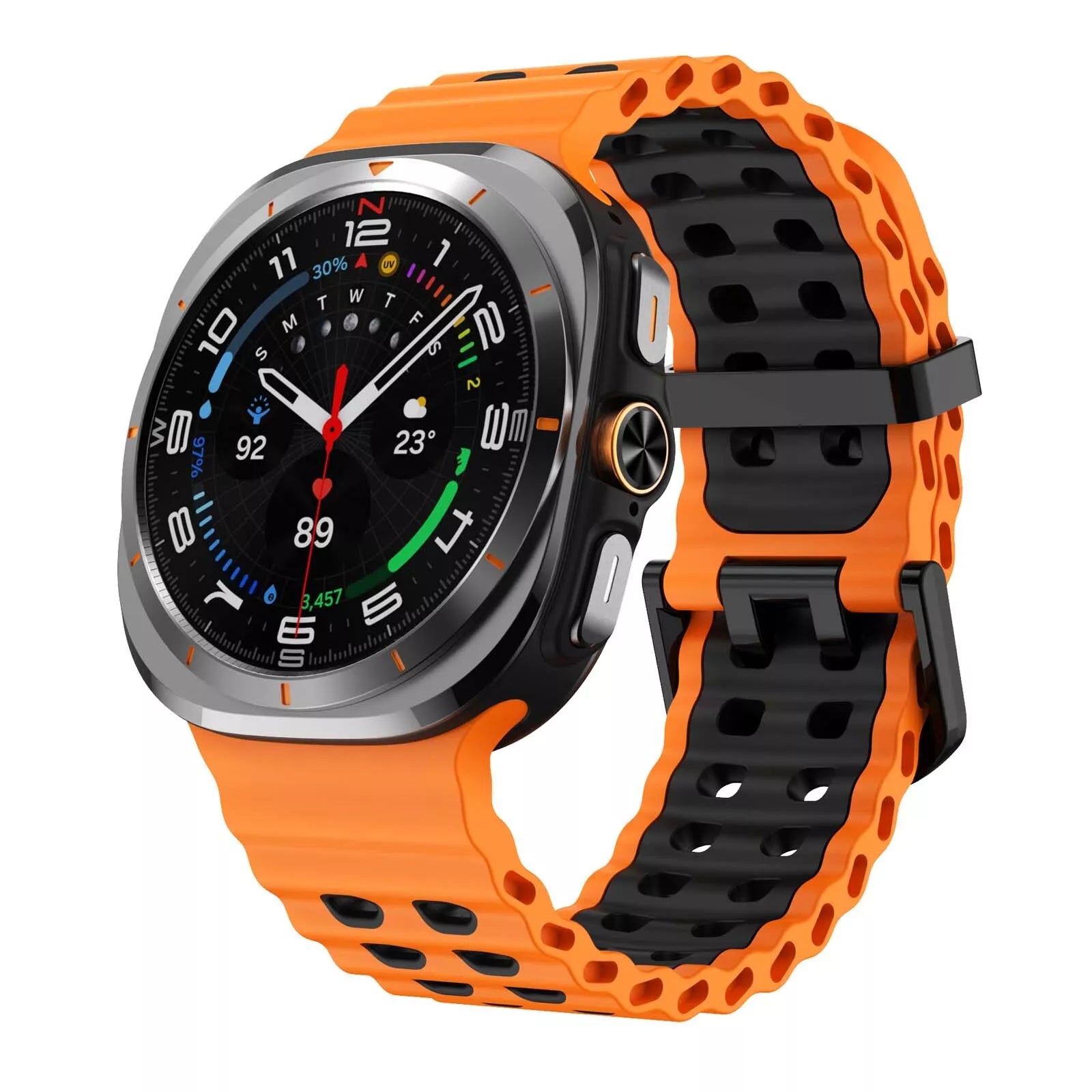
Both watches need straps made for their model-specific fittings, and changing material is the most practical way to make either rugged case work across different parts of your day.
Our fitment data records a proprietary or model-specific fitting for both devices, with no separate generic strap width. That means a strap advertised only by width is not enough evidence of compatibility: look for the exact watch model in the fitment listing.
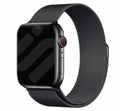
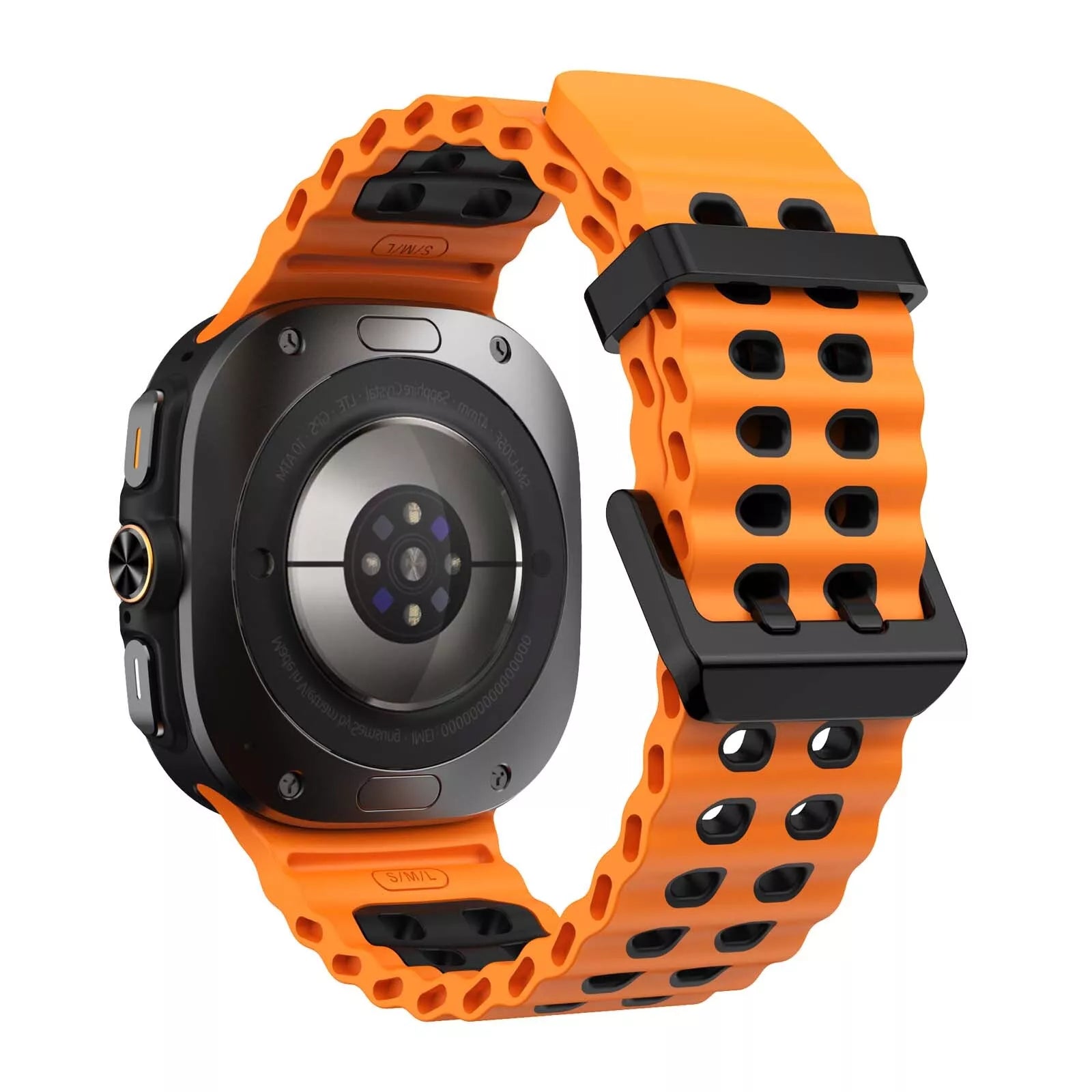
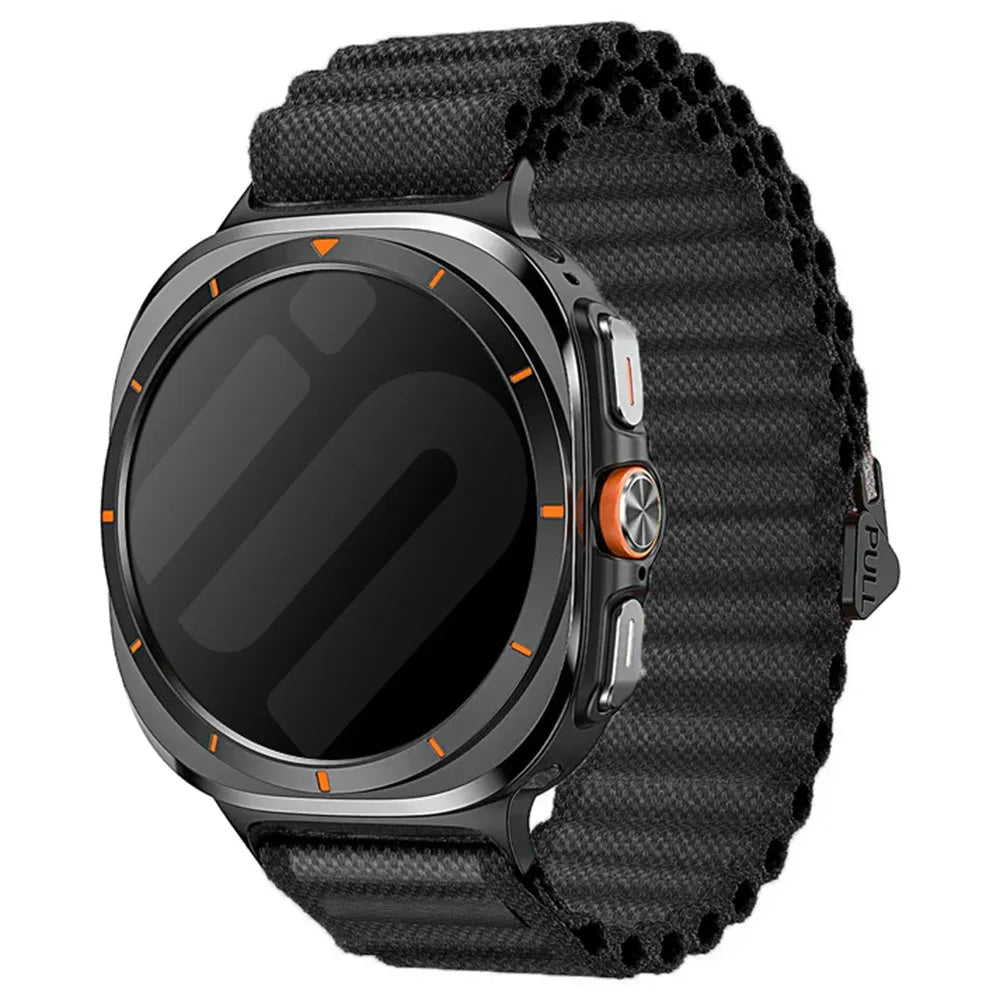
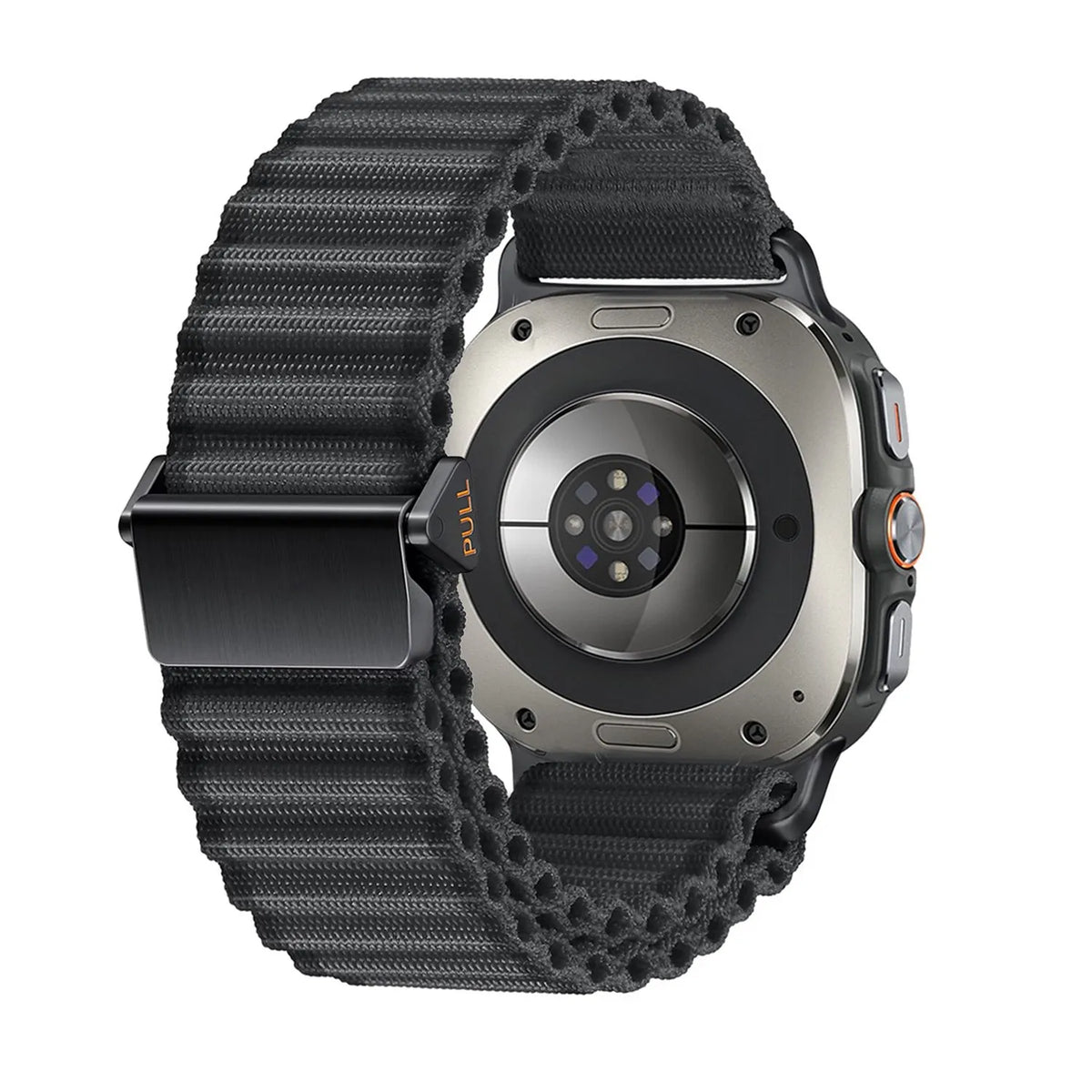
For Apple, Apple Watch Ultra 4 straps are available in silicone, nylon, leather, Milanese, metal and titanium. Silicone is practical for sweat and frequent rinsing, nylon offers flexible adjustment, and leather or metal can make the large case feel more suitable for work or an evening out.
The same useful spread exists among Samsung Galaxy Watch Ultra 2 straps: silicone, nylon, leather, Milanese ,metal and titanium options are available for the watch. The shared material choice means neither ecosystem traps you in a single rugged look.
If you want to wear the watch overnight, avoid treating the smartest-looking strap as the automatic all-day answer. A softer, closely adjustable strap can keep the sensor stable without needing to be overtightened. For sweaty sessions, choose a material you are happy to clean and let dry before bed.
Samsung’s smaller case gives it an initial advantage on a compact wrist, but strap adjustment can narrow or widen that comfort gap. If you are considering a less rugged Galaxy model instead, our guide to the best Samsung smartwatches helps place the Ultra alongside the rest of the range.
What you will notice is simple: the right strap makes either watch easier to keep on, and continuous wear is what turns health, recovery and sleep features into useful habits.
Performance and storage
Neither watch has a clear storage advantage, while their different processors are best judged through their own phone ecosystems rather than by name alone.
Apple Watch Ultra 4 uses the S11 chip. Samsung Galaxy Watch Ultra 2 uses the Qualcomm Snapdragon Wear Elite. A processor label does not establish which watch will feel faster in every app, especially when each runs a different operating system with different interface design and background services.
Both provide 64GB of storage. That removes capacity as a deciding factor here: neither gives you more listed room for apps, offline media and watch data. How that space is managed will depend on the platform and the services you use.
For a smart buyer, reliable integration matters more than chasing processor branding. Apple’s chip operates inside watchOS and the iPhone relationship; Samsung’s platform is built around Wear OS and Android. In daily use, the phone you already own remains the more consequential performance choice.
Everyday connectivity away from your phone
Apple offers the broader listed cellular specification, while both watches support modern Bluetooth and dual-band Wi-Fi.
Apple Watch Ultra 4 lists 5G and LTE connectivity. Galaxy Watch Ultra 2 lists LTE. Actual mobile service still depends on network support and an eligible watch plan, so the radio specification alone does not guarantee coverage where you train or commute.
For nearby accessories, Apple uses Bluetooth 5.3 and Samsung uses Bluetooth 6.0. A newer version number is not, by itself, a reason to switch ecosystems: compatibility with your headphones, sensors and usual apps is what you will feel in practice.
Both support 2.4GHz and 5GHz Wi-Fi. That shared capability is useful at home, work or a gym where your watch can connect without relying solely on the paired phone.
The practical difference is that Apple has the more advanced listed mobile-radio support, but network availability and your phone ecosystem still decide whether that advantage reaches your wrist.
Apple Watch Ultra 4 vs Samsung Galaxy Watch Ultra 2: ruggedness and diving
Both watches are built for demanding outdoor use, with Samsung holding the stronger dust-ingress rating and both carrying the same listed dive standard.
Apple Watch Ultra 4 is rated IP6X for dust resistance, while Galaxy Watch Ultra 2 is rated IP69K. Samsung’s rating is the more demanding specification on paper, which gives it the edge if dust, dirt and harsh outdoor exposure dominate your use.
Apple lists water resistance to 100m. Samsung lists 10ATM. Both also carry EN13319 certification, a standard relevant to diving equipment. Those ratings are more meaningful than a general claim that either watch is merely water resistant.
Ruggedness does not remove the need for care. A wet strap can remain uncomfortable long after the case is dry, and trapped grit can irritate your skin. If you move between water, commuting and sleep, changing or drying the strap may make a larger day-to-day difference than the gap between the two dust ratings.
Samsung wins the dust specification; neither has a listed advantage in dive certification. What you are most likely to notice after a wet or dirty activity is how quickly the whole watch-and-strap setup becomes comfortable again.
Where Apple Watch Ultra 4 is better

Apple Watch Ultra 4 is better for iPhone integration, extended outdoor tracking and the broader listed cellular standard.
- iPhone compatibility: works with iPhone 11 or later running iOS 27 or later.
- Extended GPS tracking: up to 25 hours with full GPS and heart-rate readings.
- Maximum extended workout mode: up to 45 hours when outright tracking duration matters most.
- Cellular specification: 5G and LTE rather than LTE alone.
- Water-resistance figure: listed to 100m, alongside EN13319 certification.
- Case specification: Grade 5 titanium rather than an unspecified titanium grade.
Where Samsung Galaxy Watch Ultra 2 is better

Samsung Galaxy Watch Ultra 2 is better for Android compatibility, outdoor display brightness, a smaller case and lower purchase price.
- Android compatibility: supports Android 13.0 or higher with at least 1.5 GB RAM.
- Display brightness: 5,000 nits rather than 3000 nits for easier viewing in fierce sunlight.
- Smaller case: 47mm rather than 49mm, giving smaller wrists a better starting point.
- Everyday battery rating: up to 60 hours with AOD on.
- Dust resistance: IP69K rather than IP6X.
- Price: £649 at the time of writing, against £749 for Apple Watch Ultra 4.
Who should choose which
Choose the model that fits your existing phone first, then use battery needs, case size and strap comfort to settle the remaining decision.
- Choose Apple Watch Ultra 4 if you own an iPhone and want the natural watchOS connection, long GPS workout modes and Apple’s listed 5G support.
- Choose Apple Watch Ultra 4 if you train for very long outdoor events and its up to 25-hour full-GPS mode or up to 45-hour maximum extended mode would change how often you stop to charge.
- Choose Samsung Galaxy Watch Ultra 2 if you own a Galaxy phone or another compatible Android handset and do not intend to change phone ecosystem.
- Choose Samsung Galaxy Watch Ultra 2 if you often train in bright sunlight because its 5,000-nit display is the stronger visibility specification.
- Choose Samsung Galaxy Watch Ultra 2 if you have a smaller wrist because the 47mm case is the more manageable starting point, though you should still prioritise a closely adjustable strap.
- Choose either if your concern is strap versatility because silicone, nylon, leather, Milanese and metal choices are available for both model-specific fittings.
In short, stay with the watch your phone supports, then choose the case-and-strap setup you will actually keep wearing from the first workout to the night’s sleep.
Goes with this article
3 for 2 on all strapsApple Watch Ultra 4 straps
View all


Samsung Galaxy Watch Ultra 2 straps
View all



Frequently asked questions
These answers cover the adjacent features that often settle the final buying decision.
Can I leave my phone behind for calls, messages and music?
Yes, when the watch has a cellular connection and an eligible mobile plan. Apple Watch Ultra 4 can call, message and stream music away from its paired iPhone, while Galaxy Watch Ultra 2 can handle calls, messages, music and podcasts without its phone nearby.
Which watch gives better navigation for hiking and trail running?
Choose Apple Watch Ultra 4 when offline maps, custom routes, waypoints, Backtrack and satellite messaging lead your hiking needs. Choose Galaxy Watch Ultra 2 when imported GPX routes, turn-by-turn guidance, climb guidance and Track Back suit your trail running.
Do both watches support contactless payments?
Yes. Apple Watch Ultra 4 uses Apple Pay, while Galaxy Watch Ultra 2 uses Samsung Wallet, subject to the usual bank and regional service support.
Which watch has better sleep and recovery insights?
Galaxy Watch Ultra 2 is stronger for training-led recovery guidance through Energy Score, Vitals, Sleep Coaching and Daily Cardio Load. Apple Watch Ultra 4 is the natural iPhone choice for Readiness, Sleep Score, Vitals and Recovery HRV within Apple Health.
Can either watch detect sleep apnoea or other health warnings?
Both can notify you of possible sleep apnoea risk rather than diagnose it. Apple also provides hypertension, high and low heart-rate and irregular-rhythm notifications, while Samsung provides ECG and irregular-heart-rhythm notifications.
 Our strap expert
Jeffrey van BattumCEO & smartwatch strap specialist at Smartwatch-straps.co.ukMeet Jeffrey
 Buying guide
 Buying guide
 Buying guide